Image Upload
To upload images to the details of a monument, it is necessary to log in with your Wikimedia Commons profile. (here for more information on login)
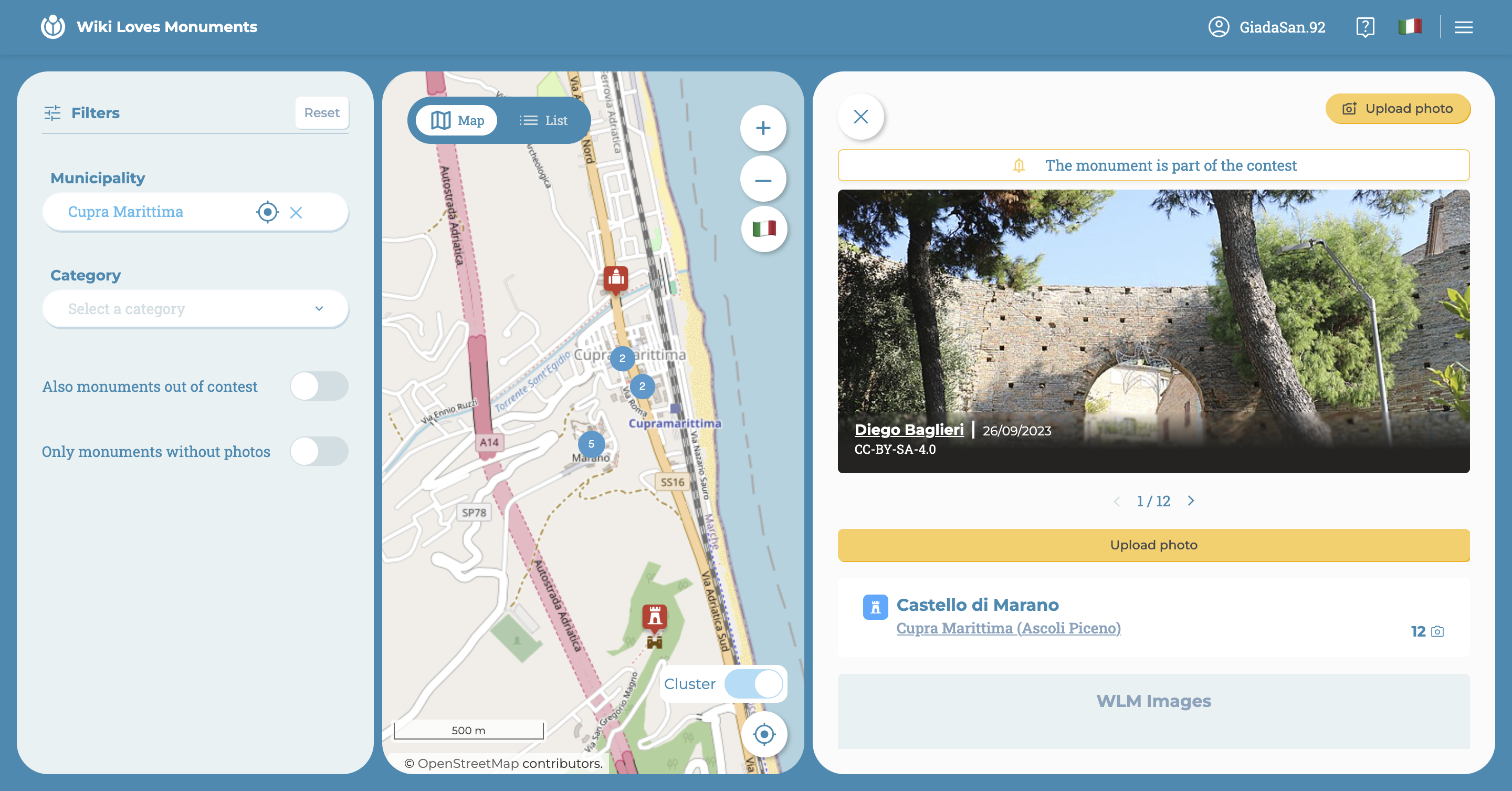
By clicking on the upload photo button, the system interface for selecting the desired image(s) will open.
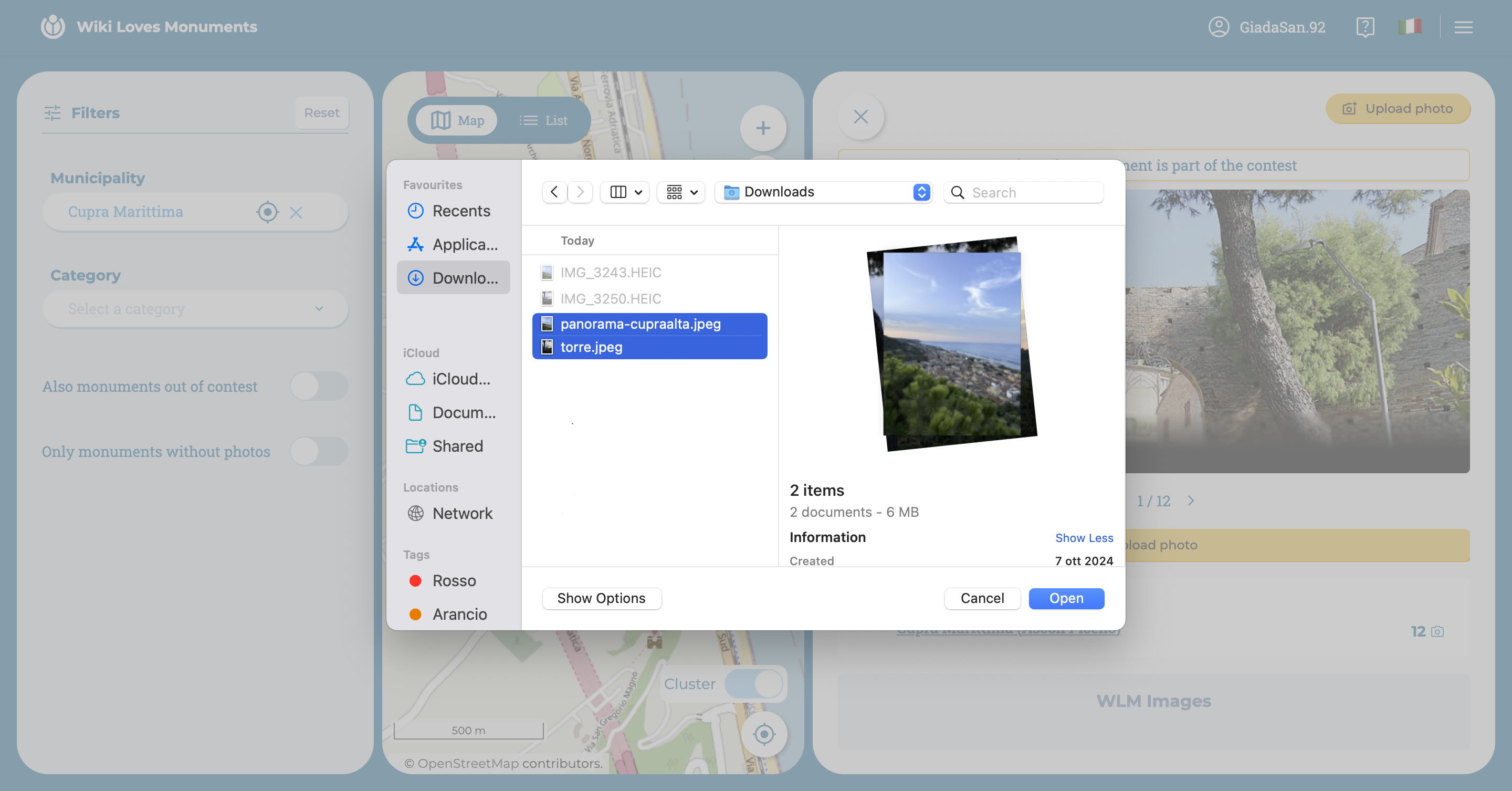
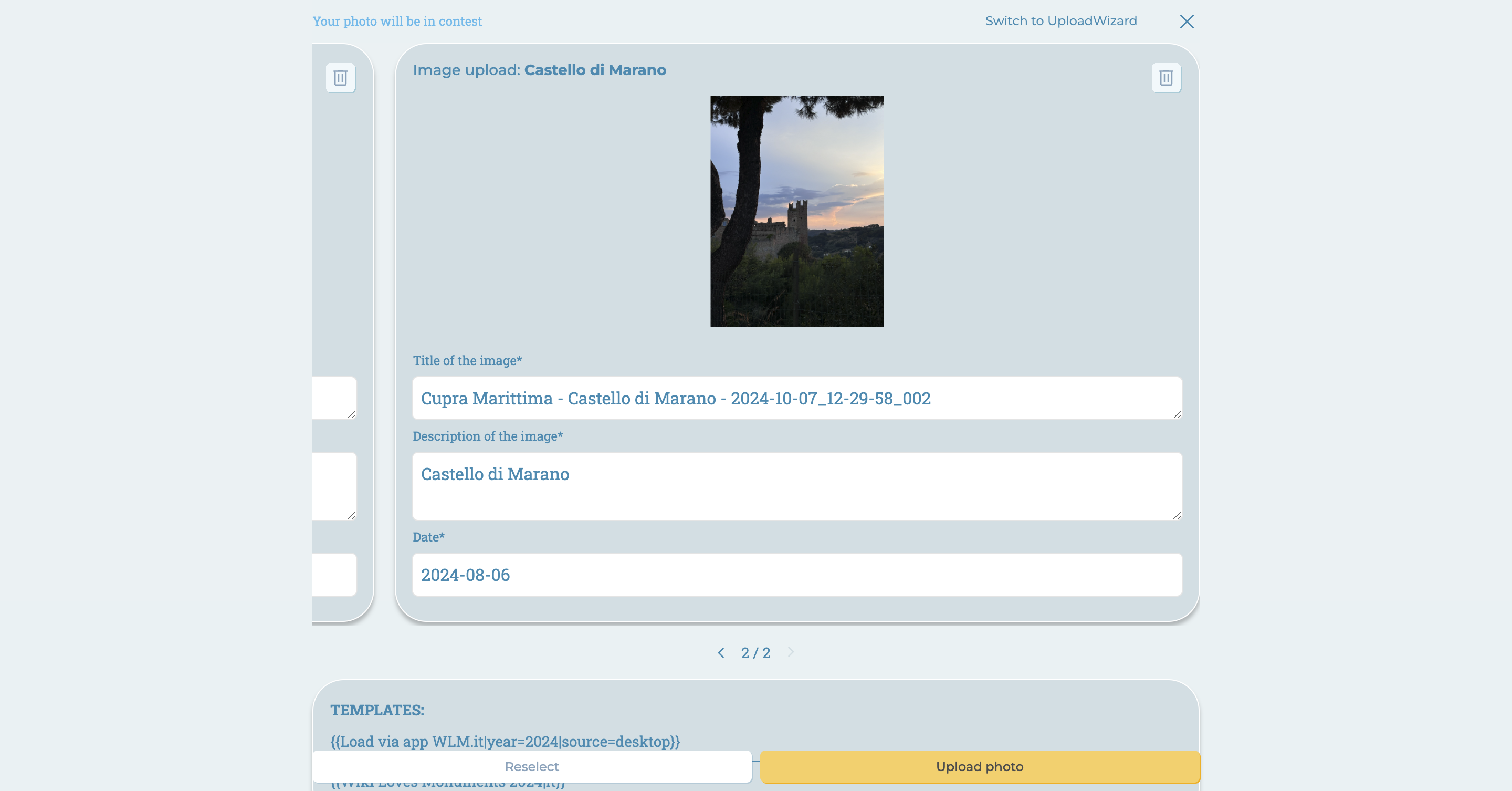
After selecting the images, an interface will open where the following data can be edited:
- Image title
- Image description
- Date the photo was taken
Of course, there is always the option to delete a photo or make a new selection.
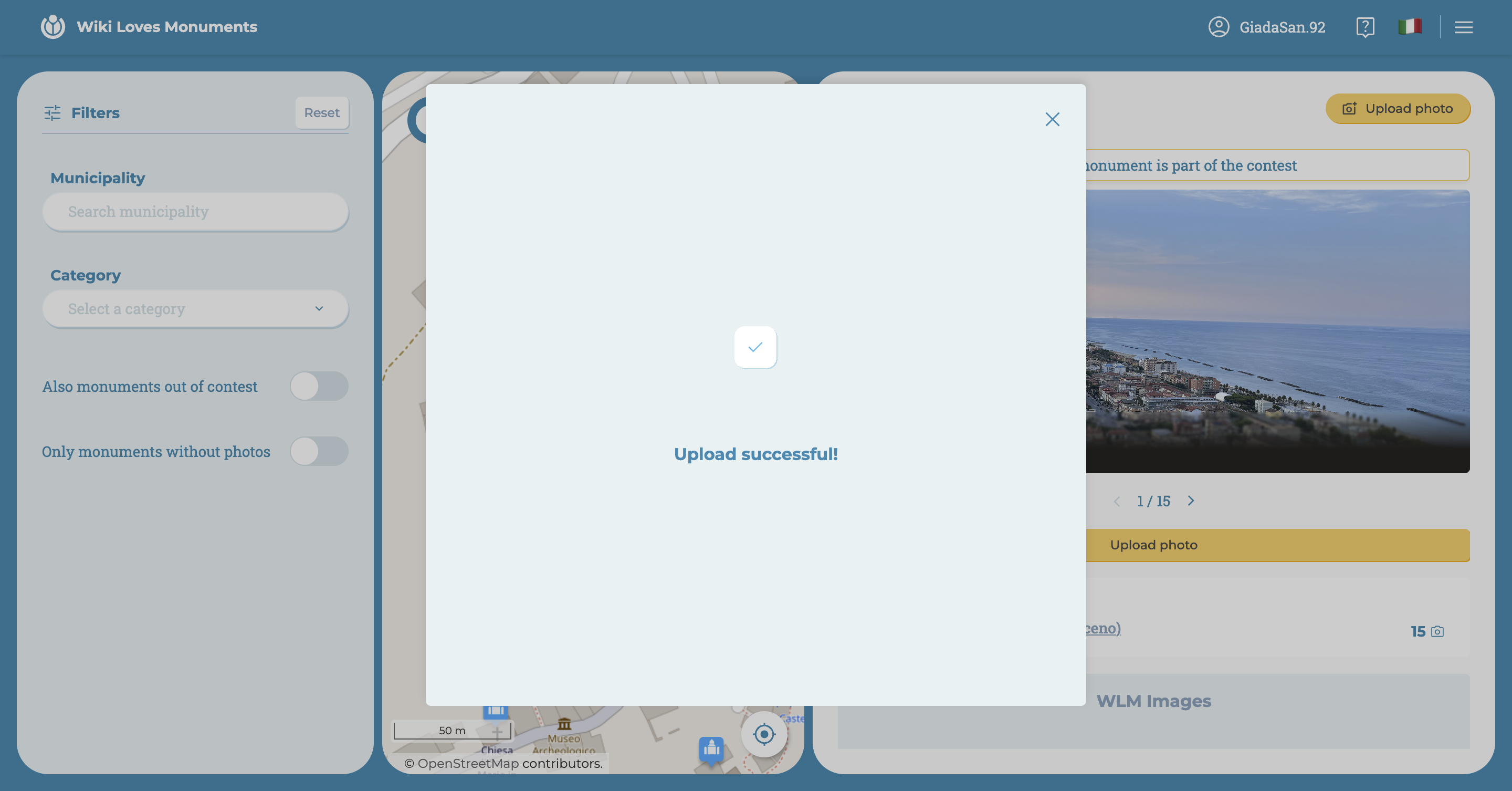
Once the photos are uploaded, they will be sent to Wikimedia, which will perform a review of the image criteria and entered data.
If the upload is successful, a confirmation message of successful upload will appear.