Overview
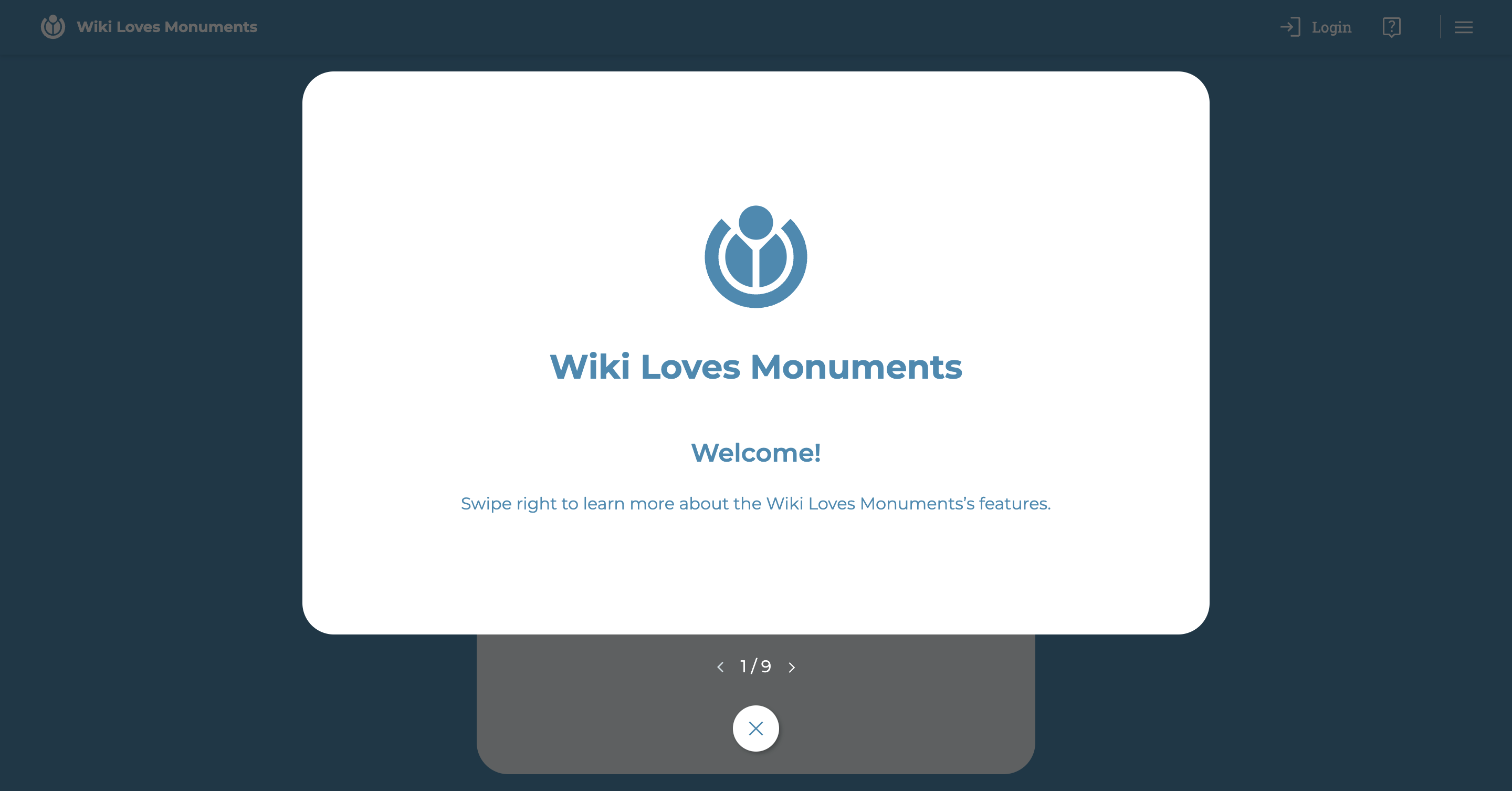
The Wiki Loves Monuments app starts with a "tutorial" interface. This series of slides explains, through textual and visual descriptions, how users can use the app, focusing on the most important interfaces.
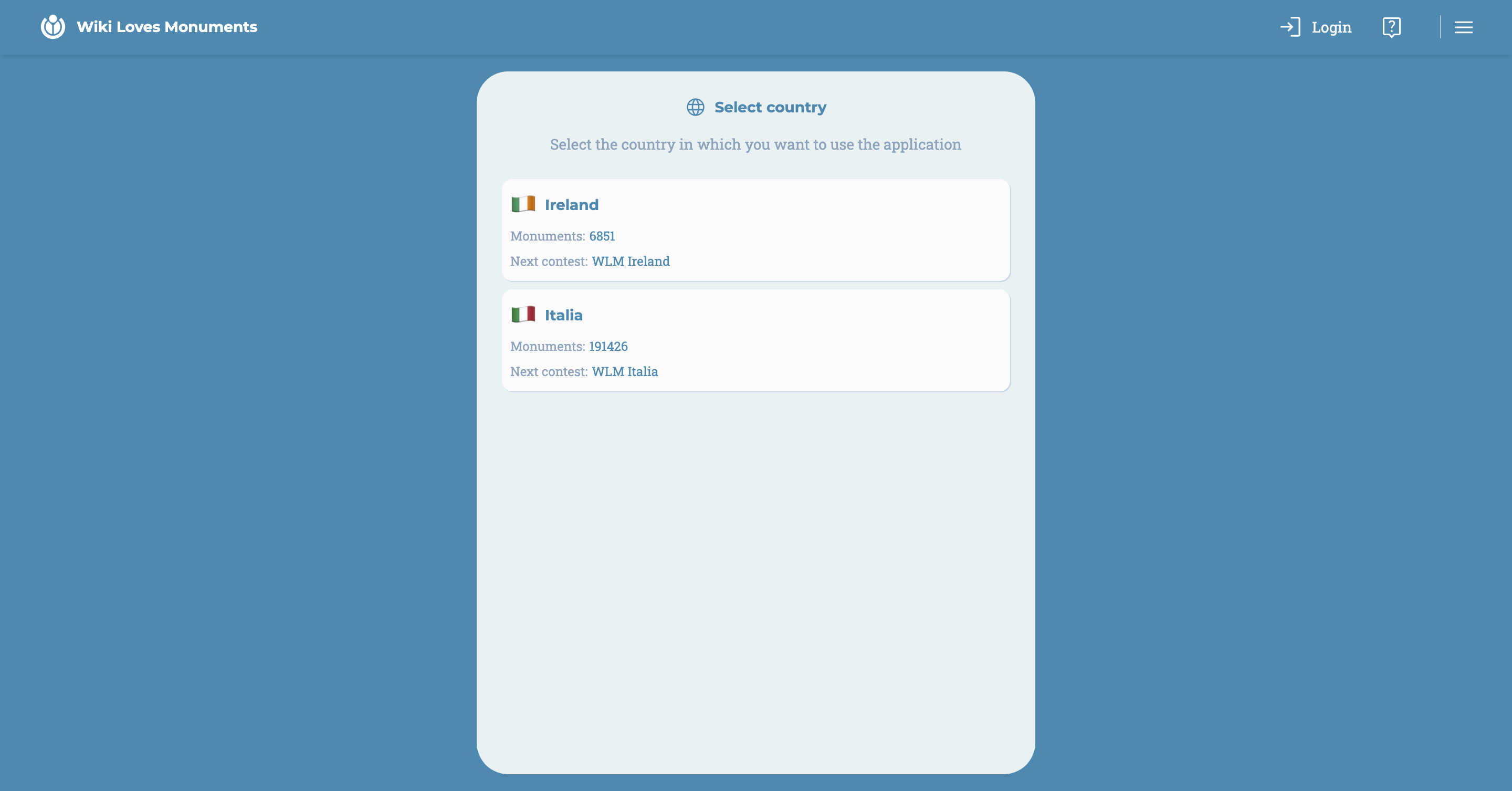
After completing the tutorial, a country selection interface will appear.
Once this selection is made, the user will be directed to the map.
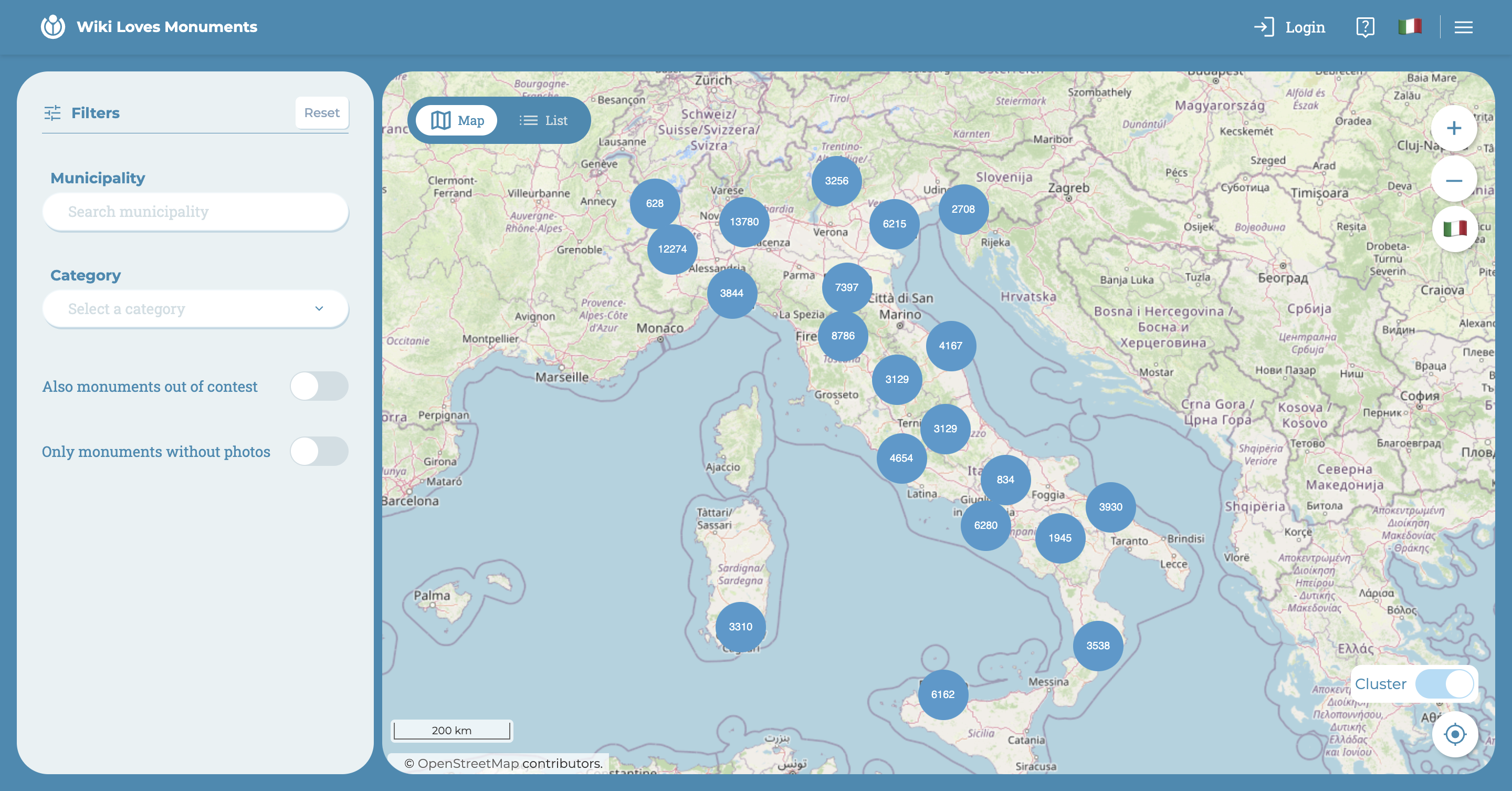
At the top, the navigation bar is always present:
- Login
- Legend
- Country selection
- Burger Menu
In the menu, users can:
- Select a country
- Select the language
- Make a donation
- Review the app's tutorial
- Learn more about WLM
- Login or Logout
Legend
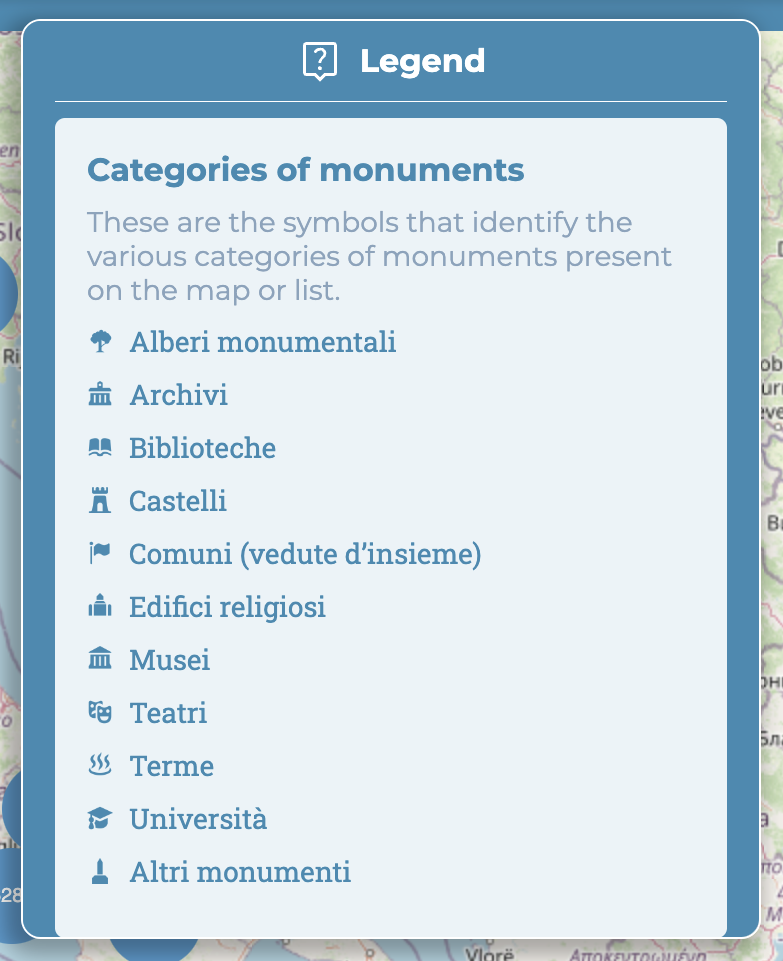
The legend is always present at the top right, providing users with quick access to any part of the app.
In the first part, the symbols representing the types of monuments that can be found on the map or in the list are identified.
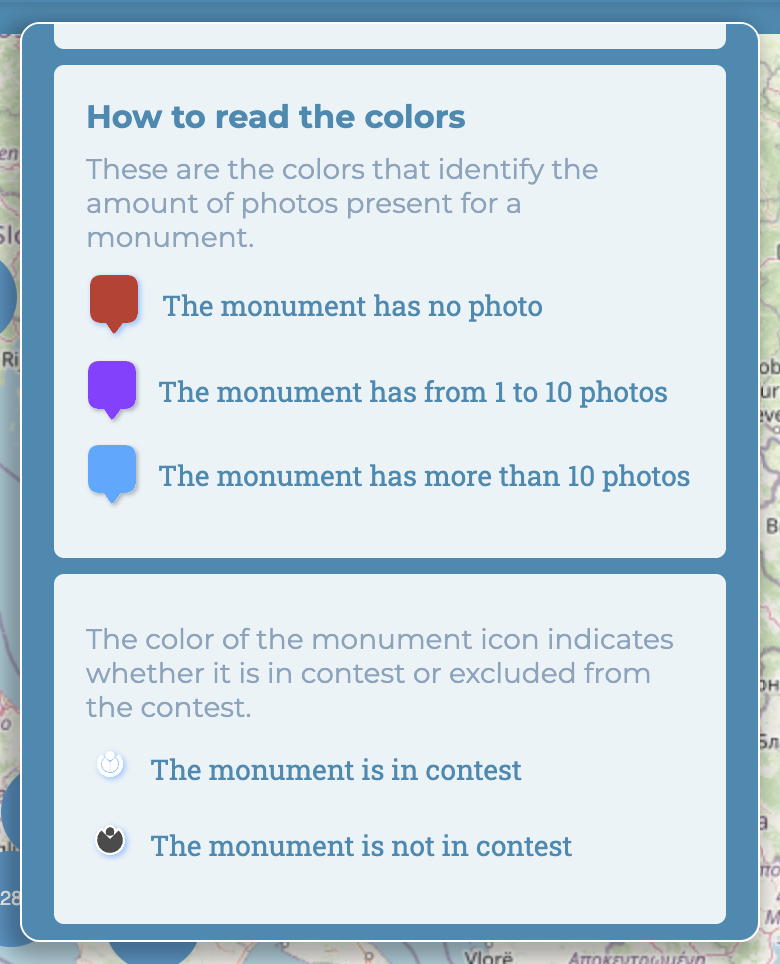
In the second part, the colors of the marker are explained, which indicate the number of photos associated with a monument, as well as the colors of the icon inside the marker.