Login and Profile
The app can also be used without logging in, but only to view various monuments.
To fully utilize the app and unlock the loading of monument images, it is necessary to log in.
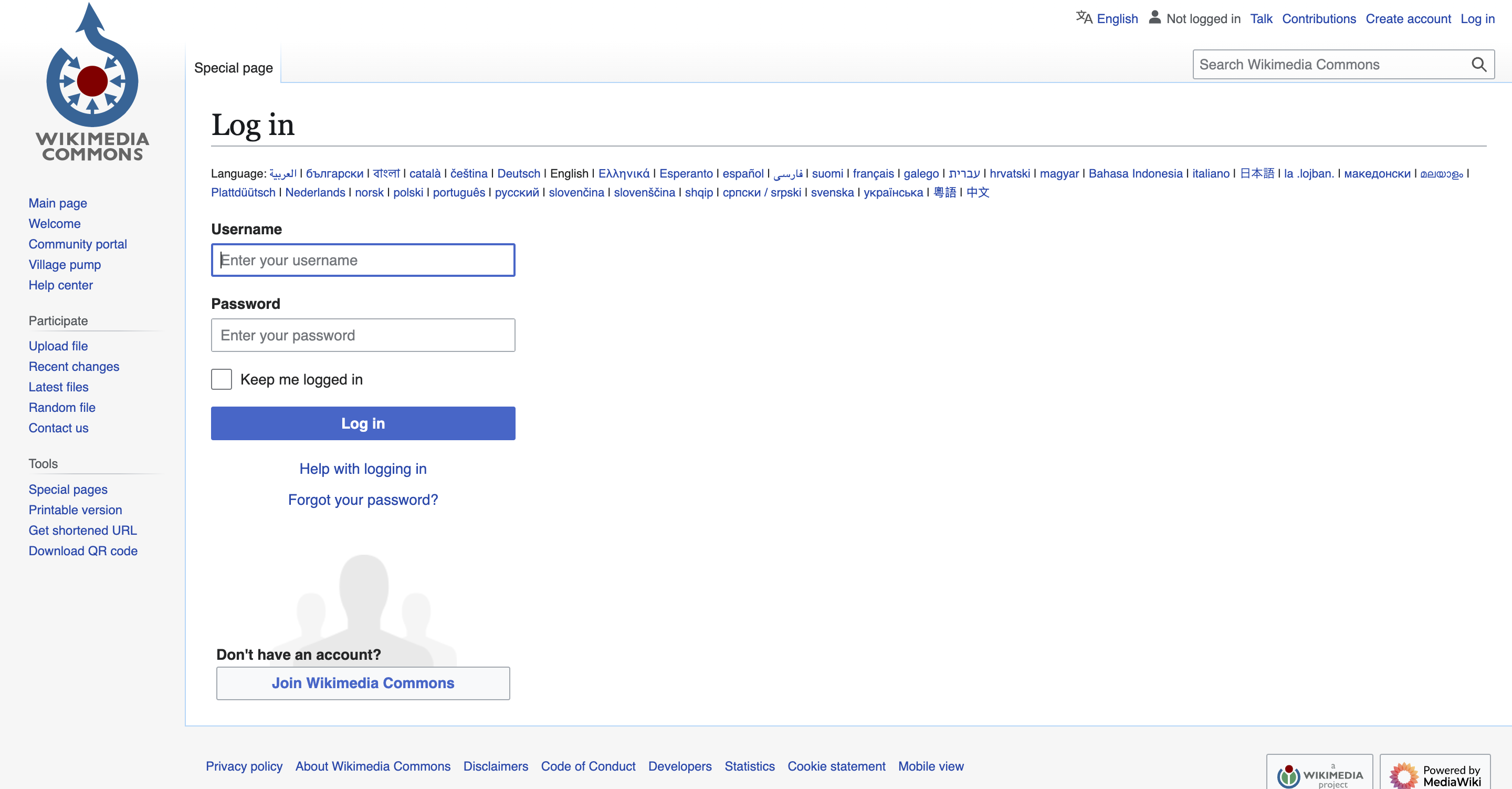
To log in to the app, you will be redirected to the Wikimedia Commons login page. Here, you can either log in if you already have an account or create a new Wikimedia Commons account.
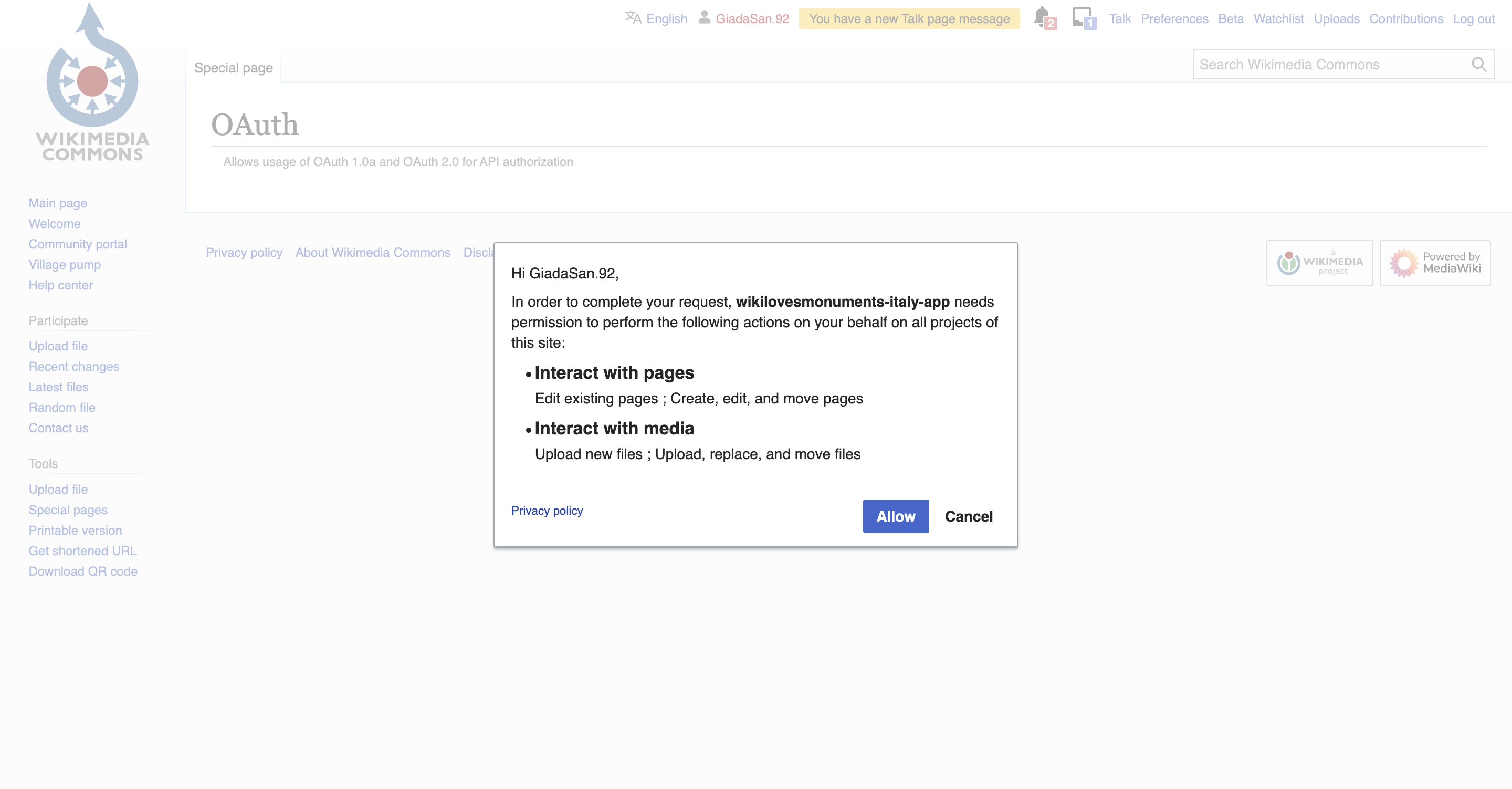
Once logged in, it is important to provide consent in order to proceed and use the app, including uploading images or editing pages.
After logging in, you will be redirected to the wiki loves monuments app, where your account's Username will appear in the top left corner.
To logout, simply access the menu, where you will find the "logout" option at the bottom, or go to your user profile, where there will be a dedicated button.
User Profile
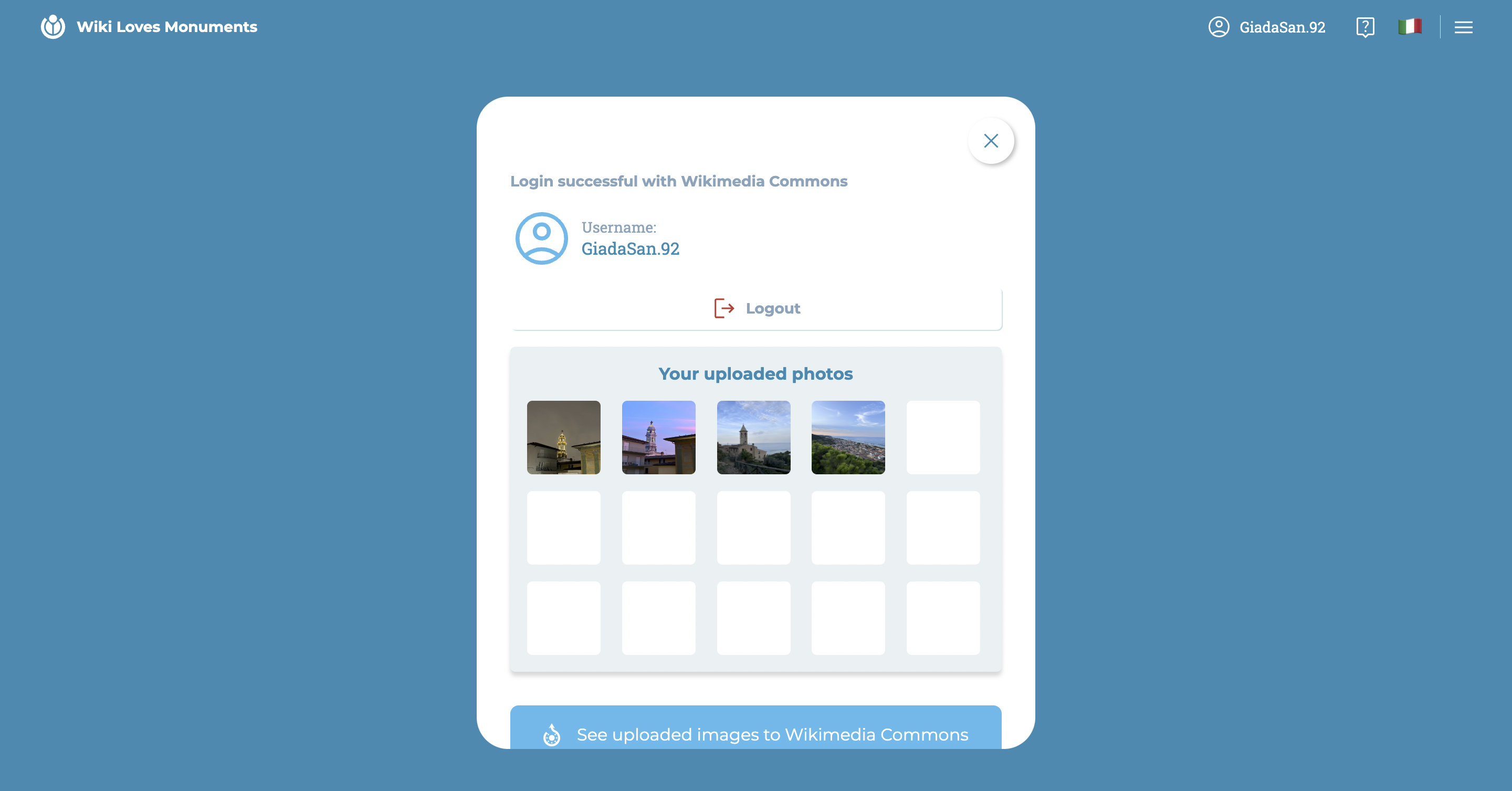
In the profile, you can:
- view your Username
- log out
- view the photos uploaded to the app with this account
- go to the page collecting the images uploaded to Wikimedia Commons