Wizard Upload
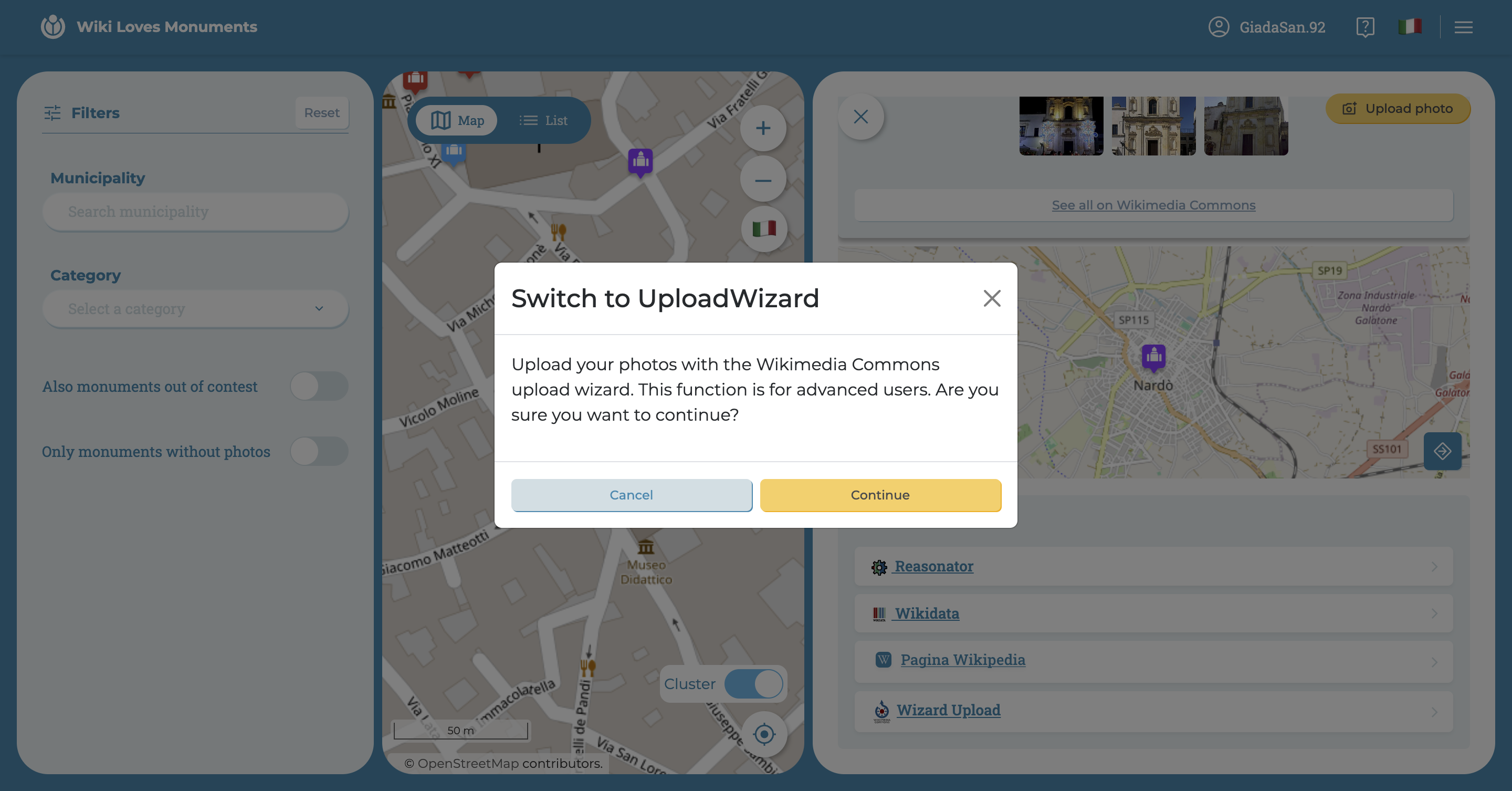
This function is designed for more experienced users: Upload Wizard allows you to upload one or multiple photos to Wikimedia, carrying all the data of the monument from which you started from the app. The user is then free to modify the various information, but the data entry work is greatly facilitated.
At the bottom of the detail page of a monument in the WLM app, you can find a series of links. Among these, there is the option
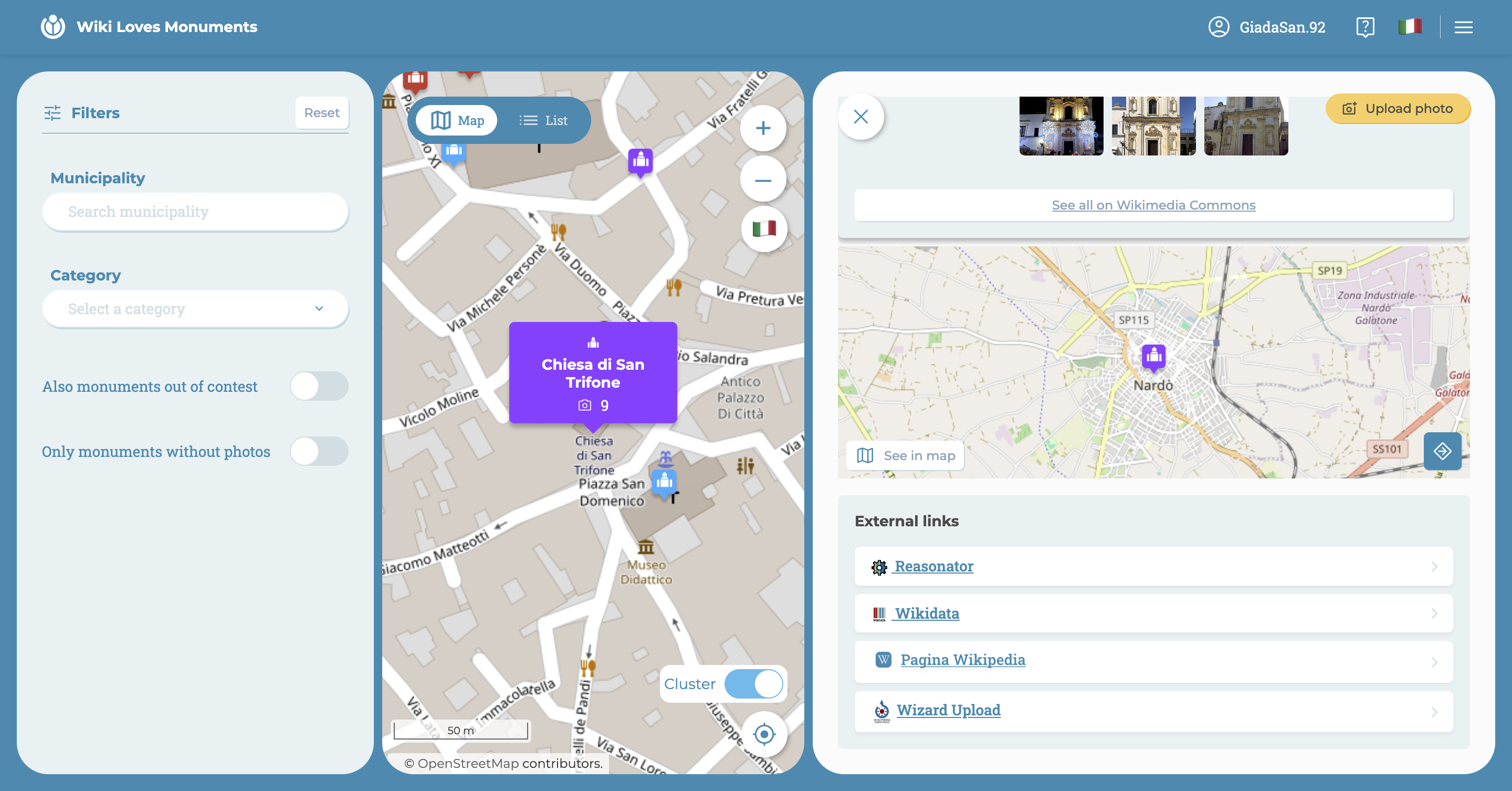
The information collected from the monument pages varies depending on its participation in the WLM photo contest.
If the monument is in the contest:
- active contest
- categories
- WLM number
- description
If the monument is not in the contest:
- categories
- description
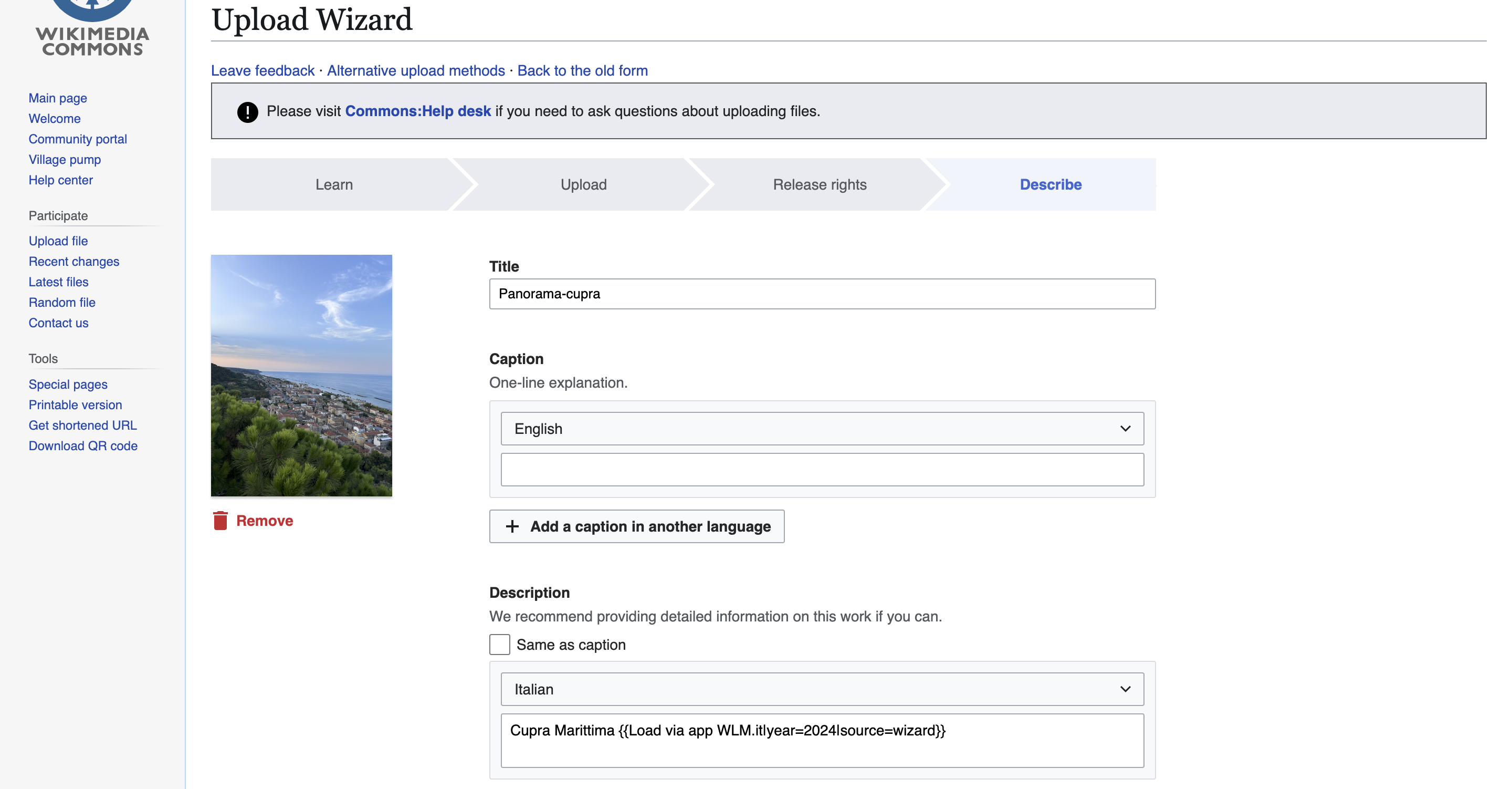
Once you click on Wizard Upload, you will be redirected to the photo upload interface.
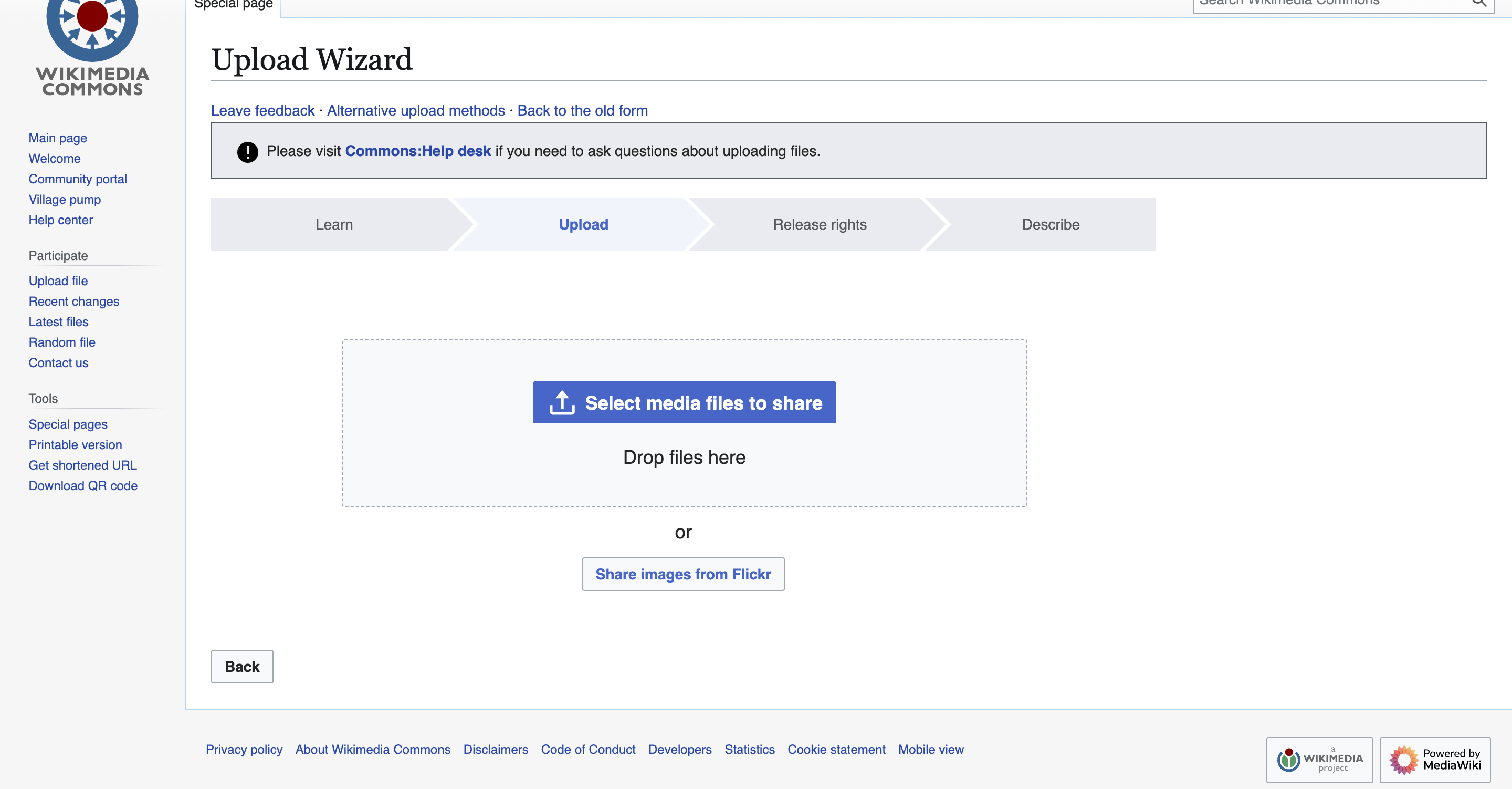
Select the media you want to upload, always referring to the monument you started from, and set the parameters for the Creative Commons License. Once the images are uploaded, fill in the missing data or add additional information to enrich the form.
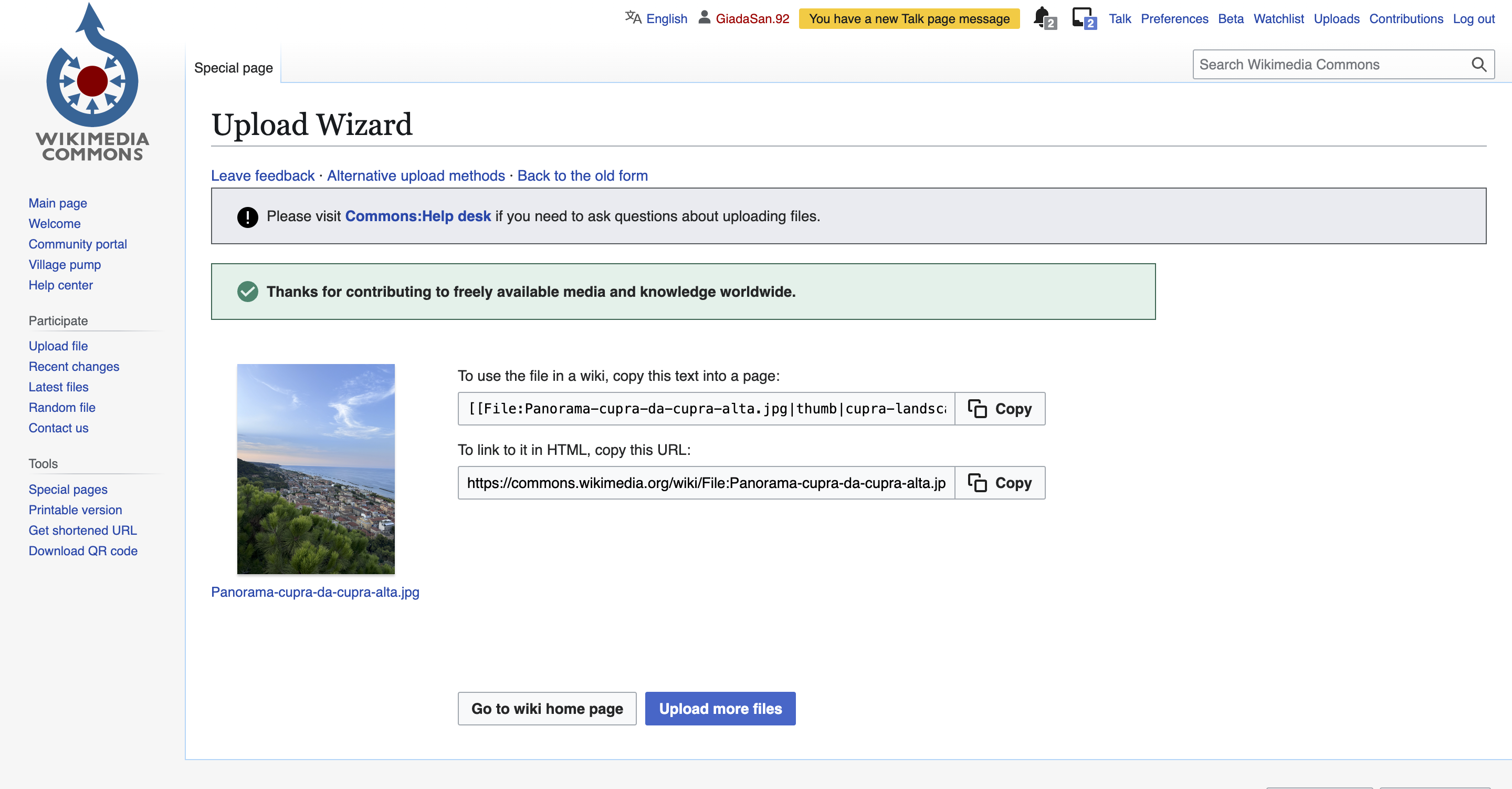
After uploading the images, you will receive a successful upload feedback (along with useful links) and you will only have to wait for the various checks performed by Wikimedia.